
Draw in layers.
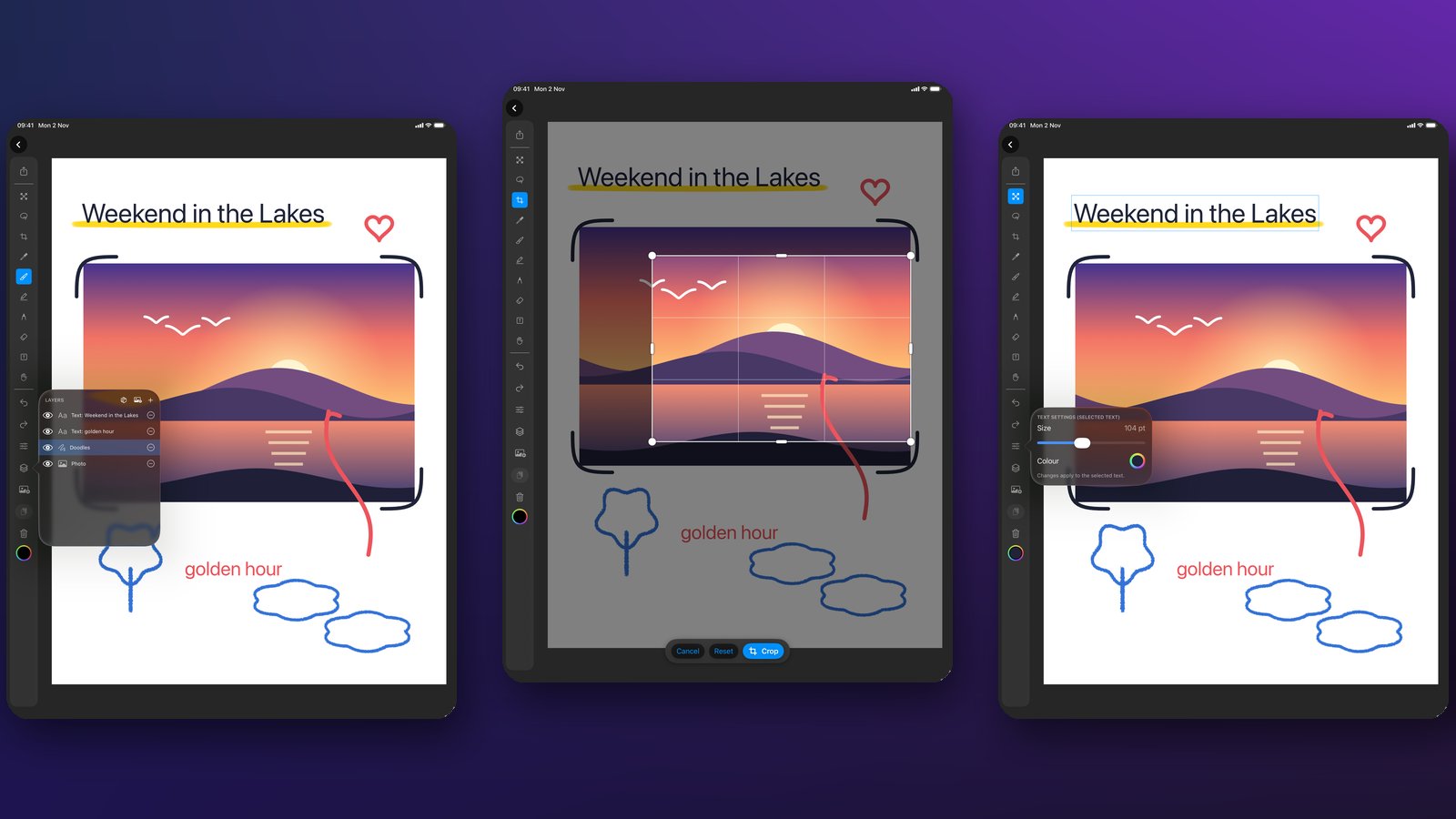
Bring in a photo, sketch over it, add text, crop it and cut bits out. AdsumDraw keeps every part on its own layer, so you can change one thing without spoiling the rest.
One price. No subscription, no in-app purchases, no ads, no account.
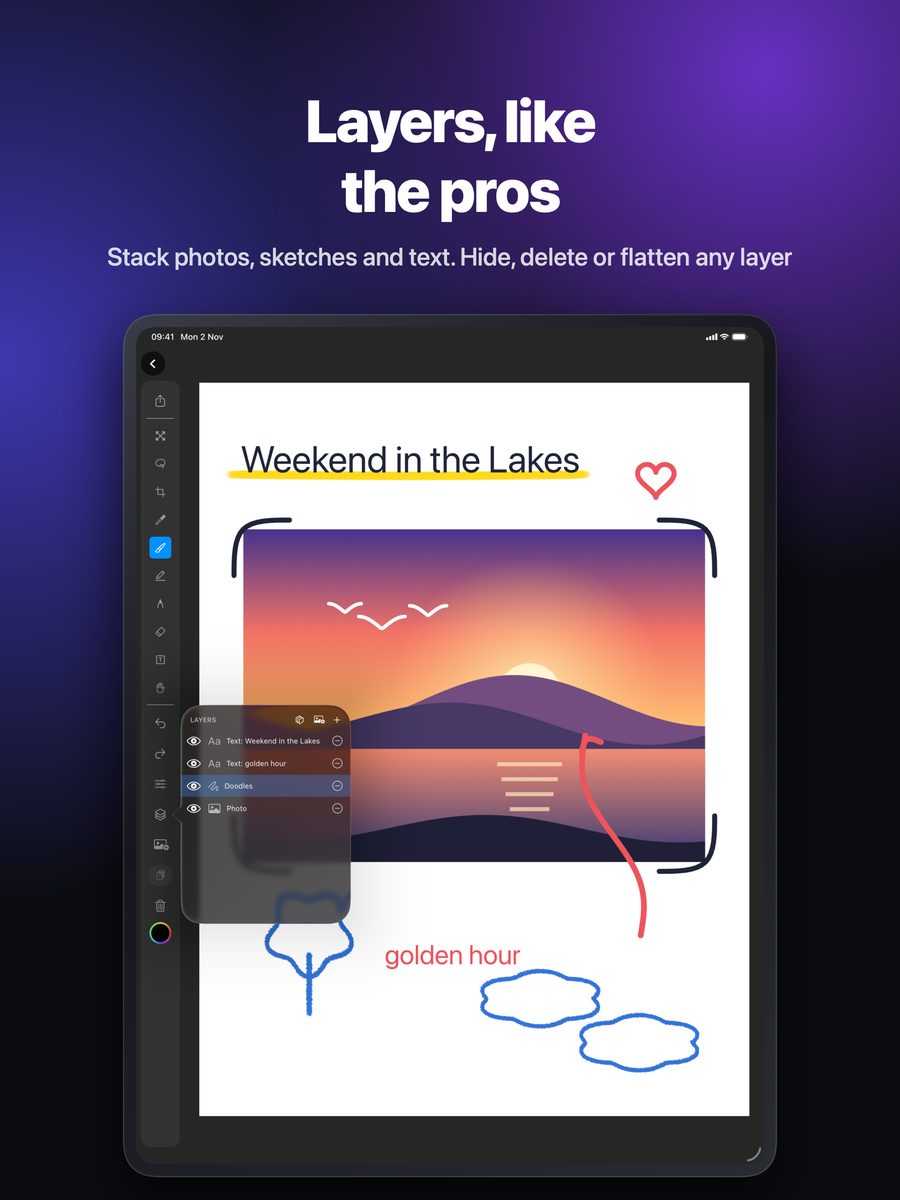
Drawing, photo and text layers
Stack photos, sketches and text. Add, select, hide or delete any layer, move it around the canvas, and flatten when you're done.
Draw on your photos
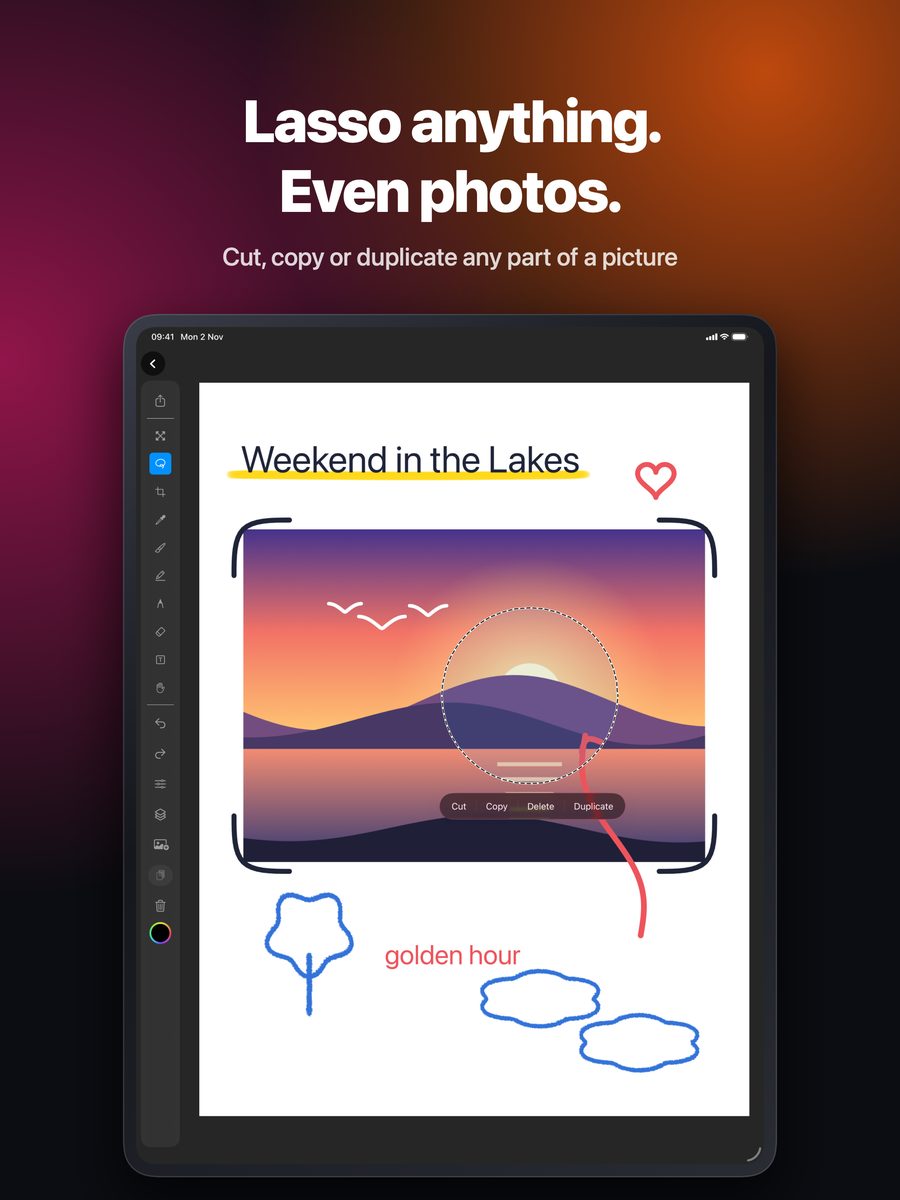
Pick from Photos, paste an image, or open one from another app. Trace it, annotate it, crop it, or lasso part of it out.
Help built in
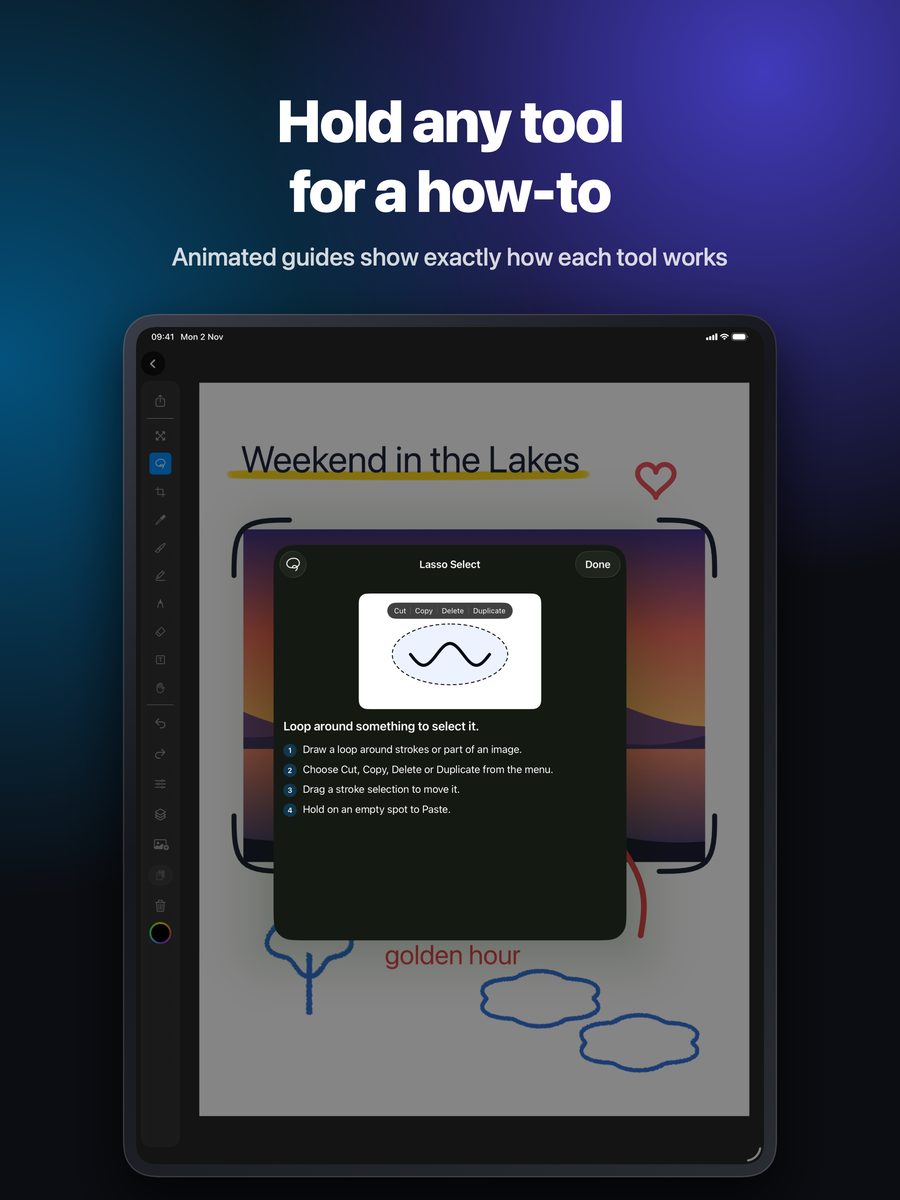
Tap a tool for a quick tip. Hold it for a short how-to with an animated demo. There's nothing to look up.
The tools
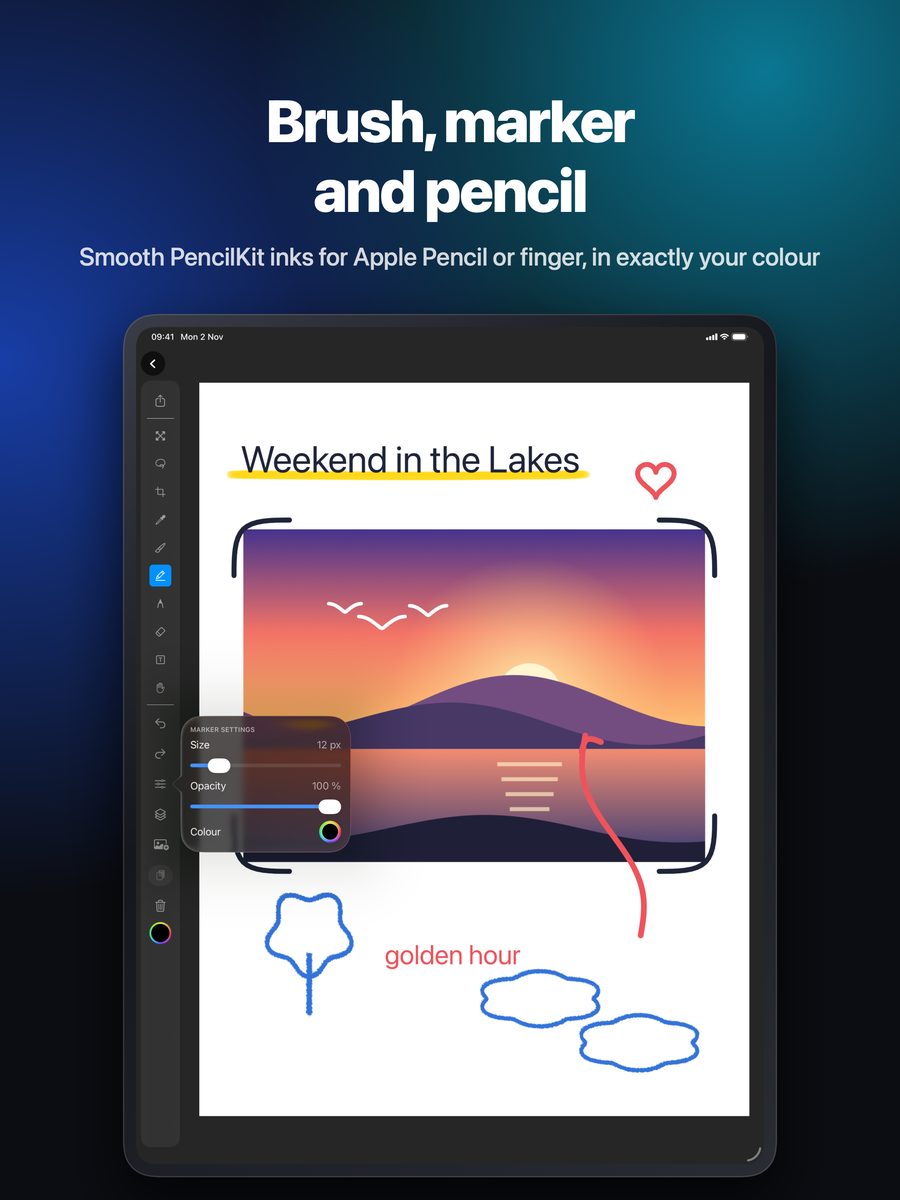
Built on Apple's PencilKit, with undo and redo, pinch to zoom, and a hand tool for panning.
Solid, even lines in exactly the colour you pick. Set the size and opacity.
A textured pencil line, lighter than the brush.
A wide, see-through highlighter. Colours darken where they overlap.
Rubs out strokes and images, including pasted and imported photos.
Loop round strokes or part of a photo, then cut, copy, delete, duplicate or move it.
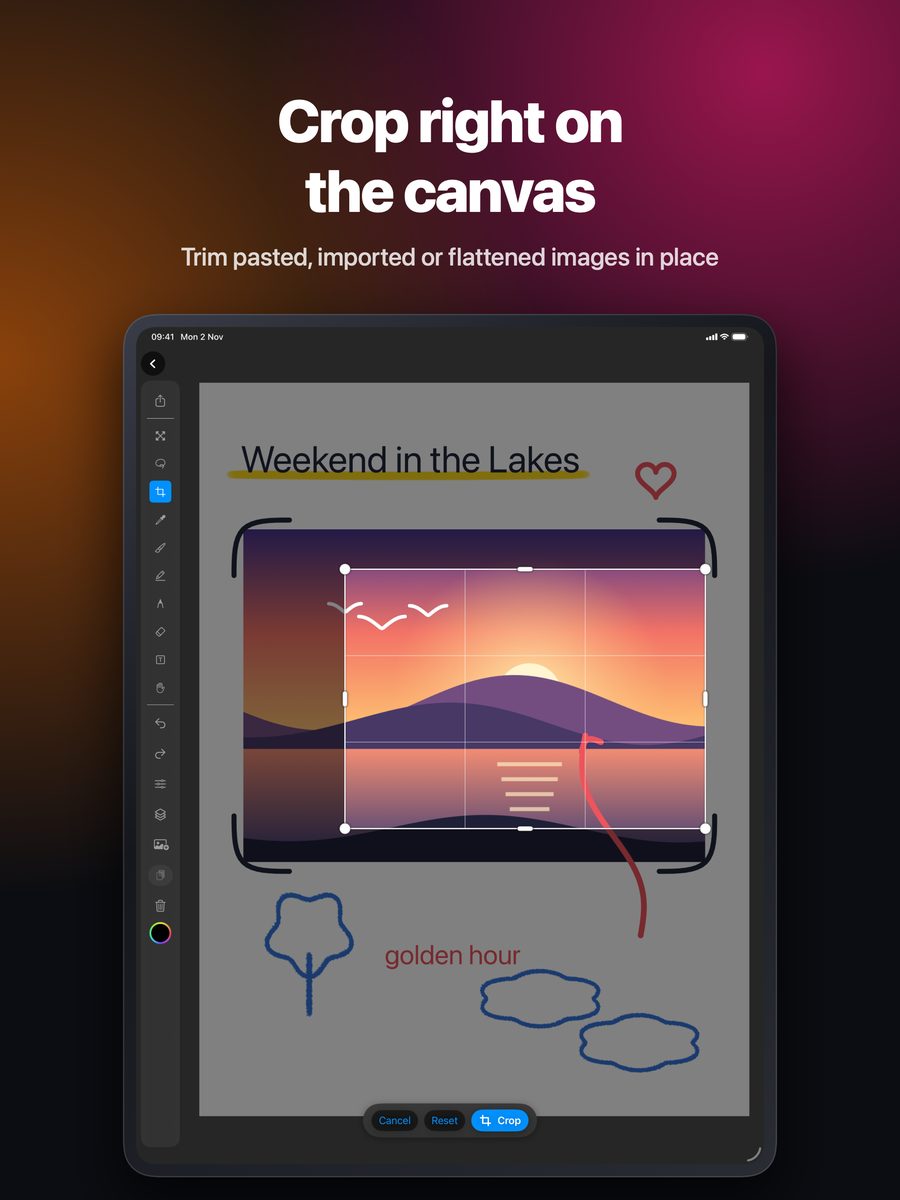
Trim an image layer with handles. Reset or undo if you change your mind.
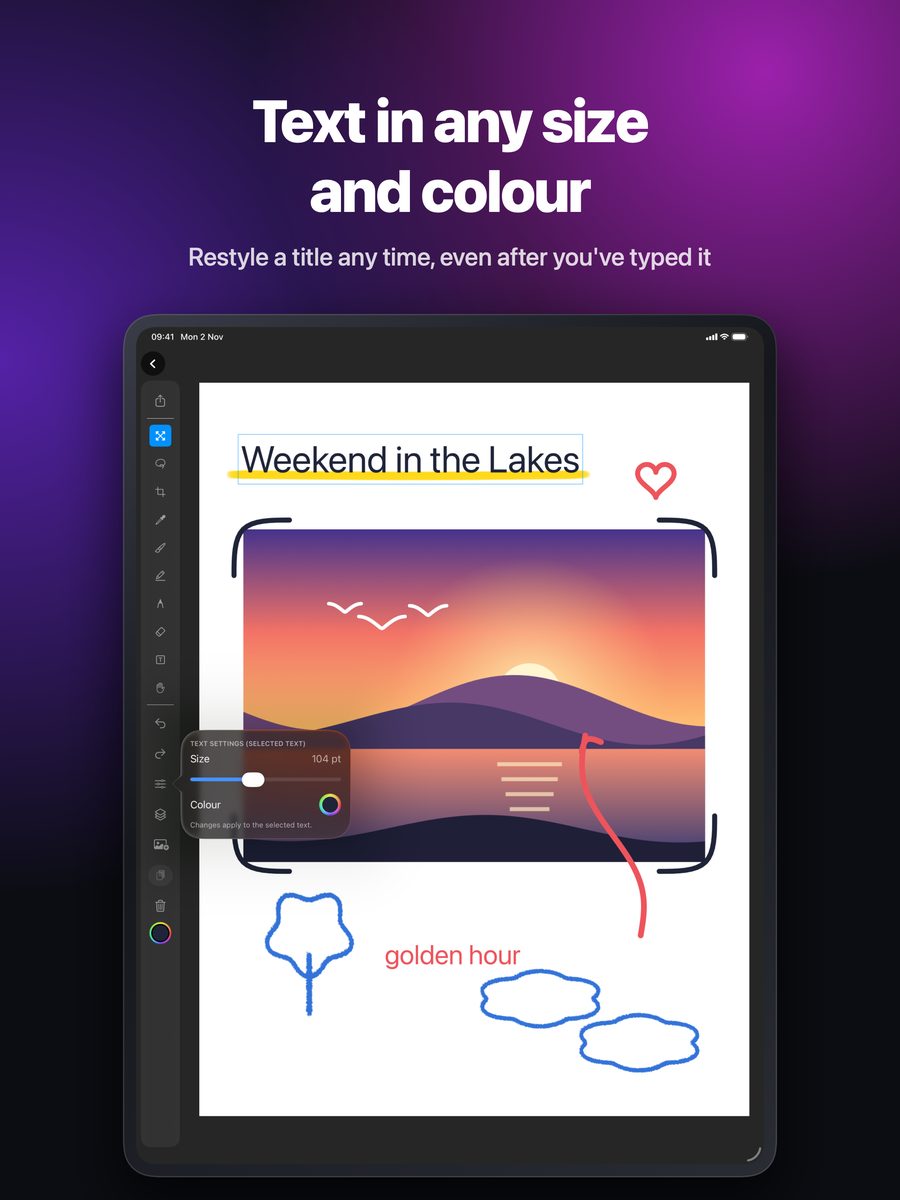
Type on the canvas from 12 to 240 pt, in any colour. Double-tap to edit.
Pick a colour from the canvas, then go straight back to your last tool.
See it on iPad
Questions
Does it work with Apple Pencil? +
Yes. You can draw with Apple Pencil or your finger. Pressure and tilt work with Apple Pencil.
Does it run on the Mac? +
Yes. AdsumDraw runs on iPhone, iPad and Mac (macOS 14 or later), with menu bar commands for exporting and pasting images as layers.
Do drawings sync between my devices? +
No. There is no iCloud sync, so each device keeps its own work. Export a PNG or use the share sheet to move a picture between devices.
Is there a subscription? +
No. You pay once on the App Store. There are no in-app purchases, no ads and no account.
What data does it collect? +
None. The app has no analytics, no tracking and no sign-in. Your drawings stay on your device unless you export or share them.
Need help, found a problem or have an idea? See AdsumDraw support.
Get AdsumDraw